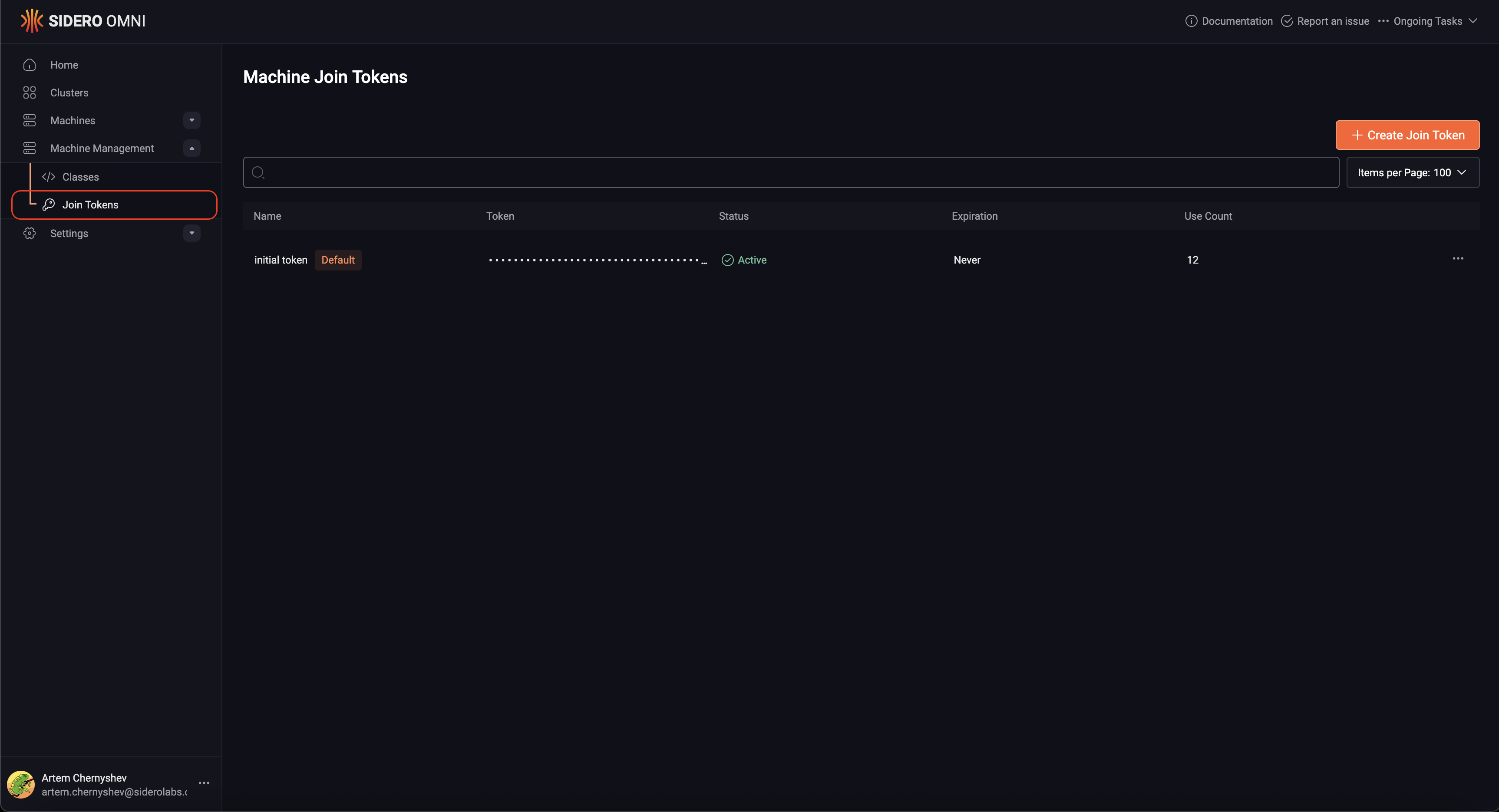
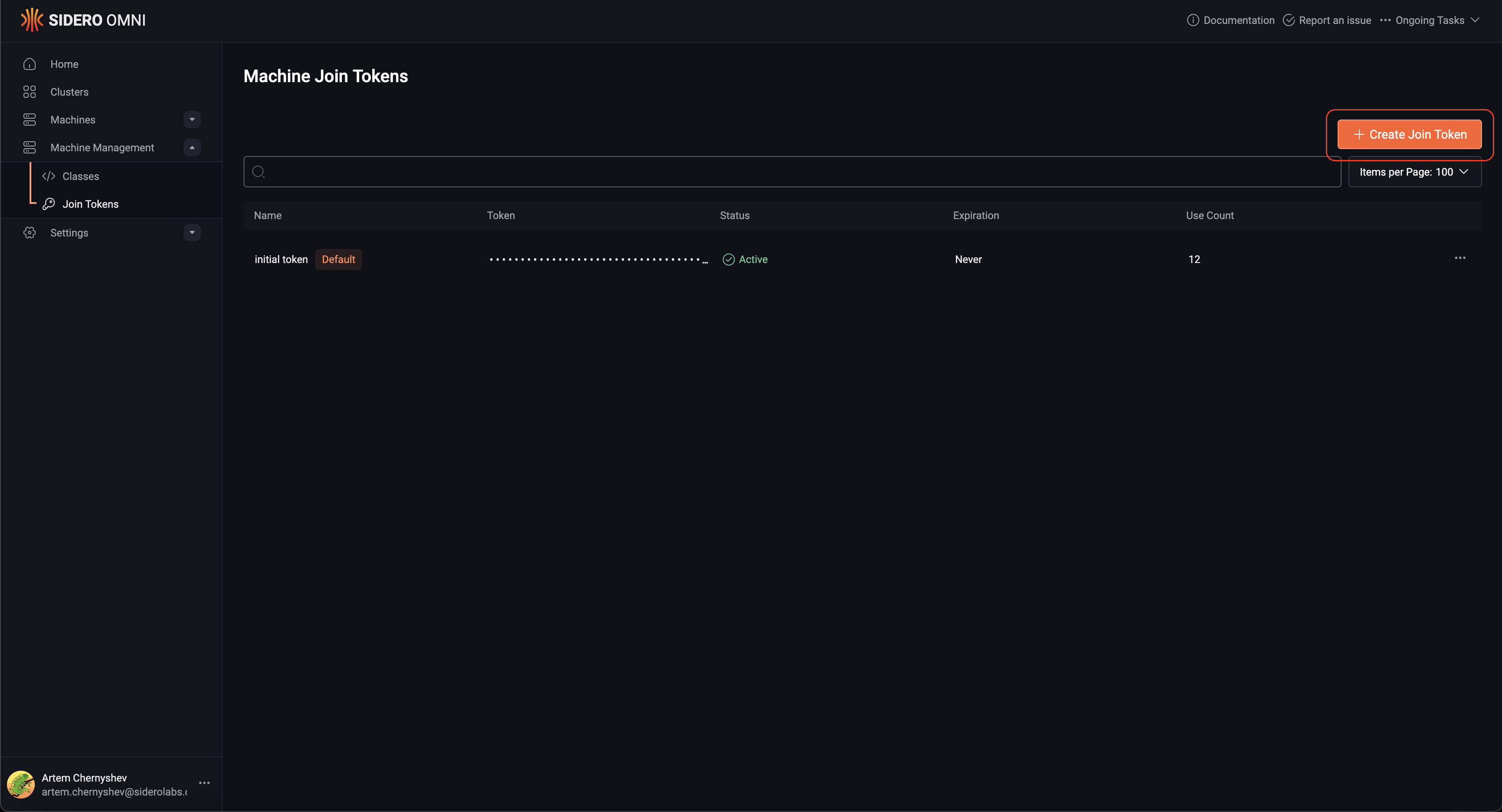
This guide shows you how to rotate SideroLink join tokens.
Join tokens are the secret used to authenticate Talos machines’ gRPC requests when they first establish a WireGuard tunnel connection to Omni.
If the token is compromised it can be revoked and replaced with the new one.
Conditions that Make Token Rotation Possible
When a machine connects to Omni for the first time, it uses a join token specific to the Omni account that is shared by all new hosts that are registering with Omni. Omni then creates a unique, ephemeral token for each machine, and when Talos is installed to disk, that token is persisted to disk. If the shared token is revoked, machines that have persisted unique tokens (i.e. those with Talos installed to disk) will stay connected, but machines using only shared tokens will be disconnected.
Talos < 1.6 doesn’t support unique tokens.
--join-tokens-mode=legacy unique node tokens are not generated for any machines. This makes rotating join tokens not possible.
To Rotate Join Tokens
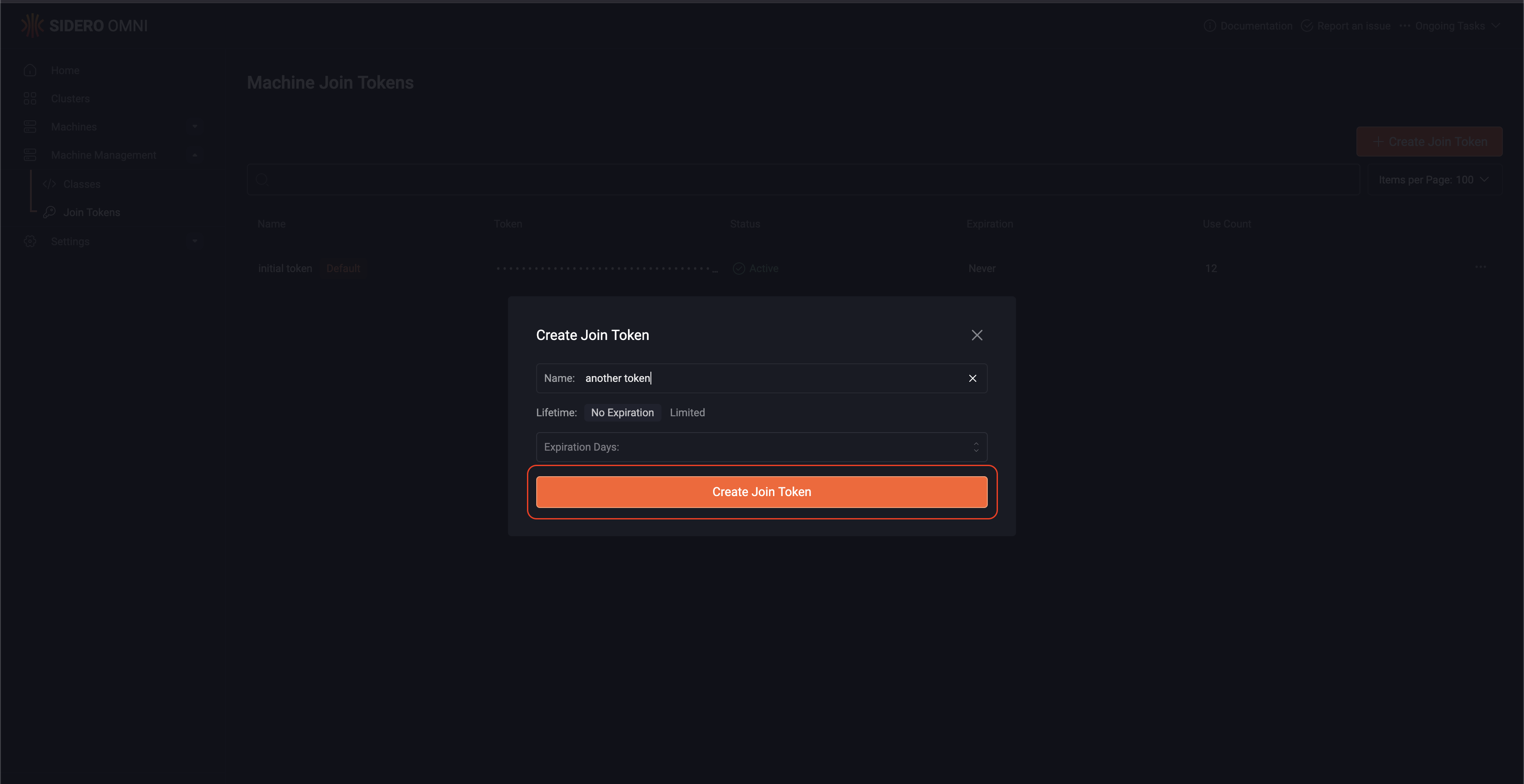
Create a new jointokenomnictl jointoken create "next token"
Cw4yXr6dki4ZXLaJL22xxkOkagExzTOiTSMsfaMu1UD
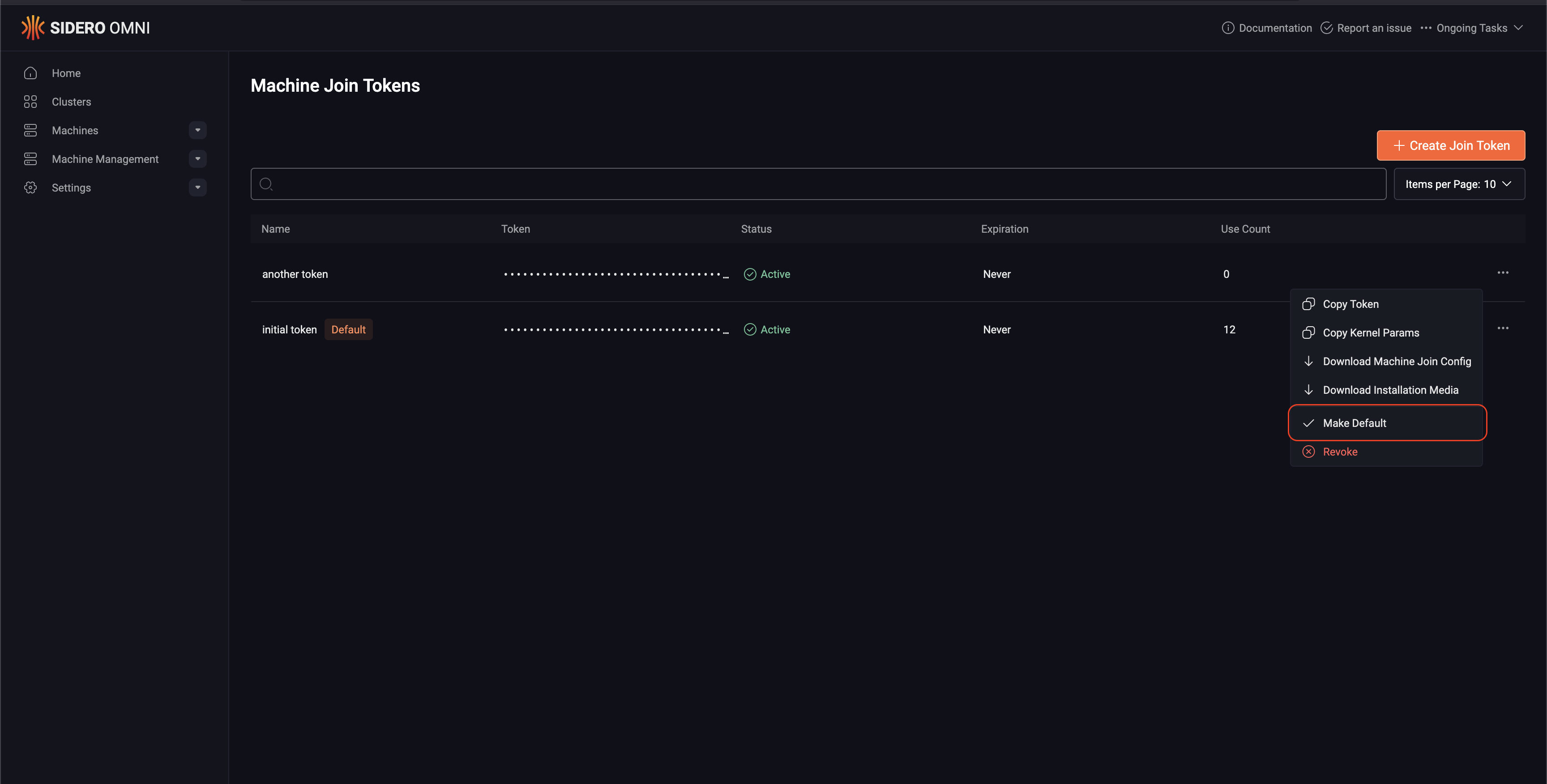
omnictl jointoken make-default Cw4yXr6dki4ZXLaJL22xxkOkagExzTOiTSMsfaMu1UD
If there are warnings and the token is rotated anyway, the machines in the list will get disconnected after the next restart of Omni or the machine.
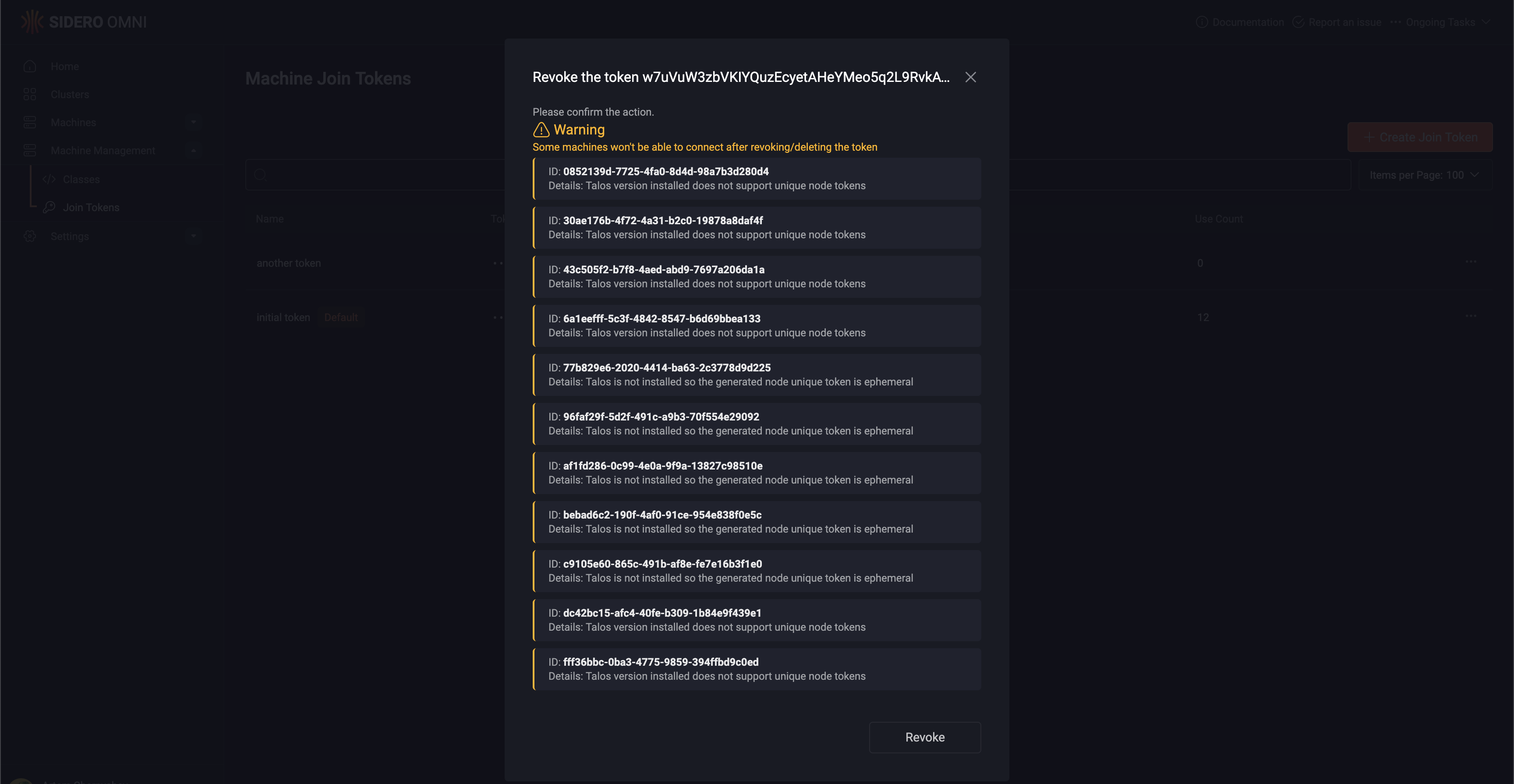
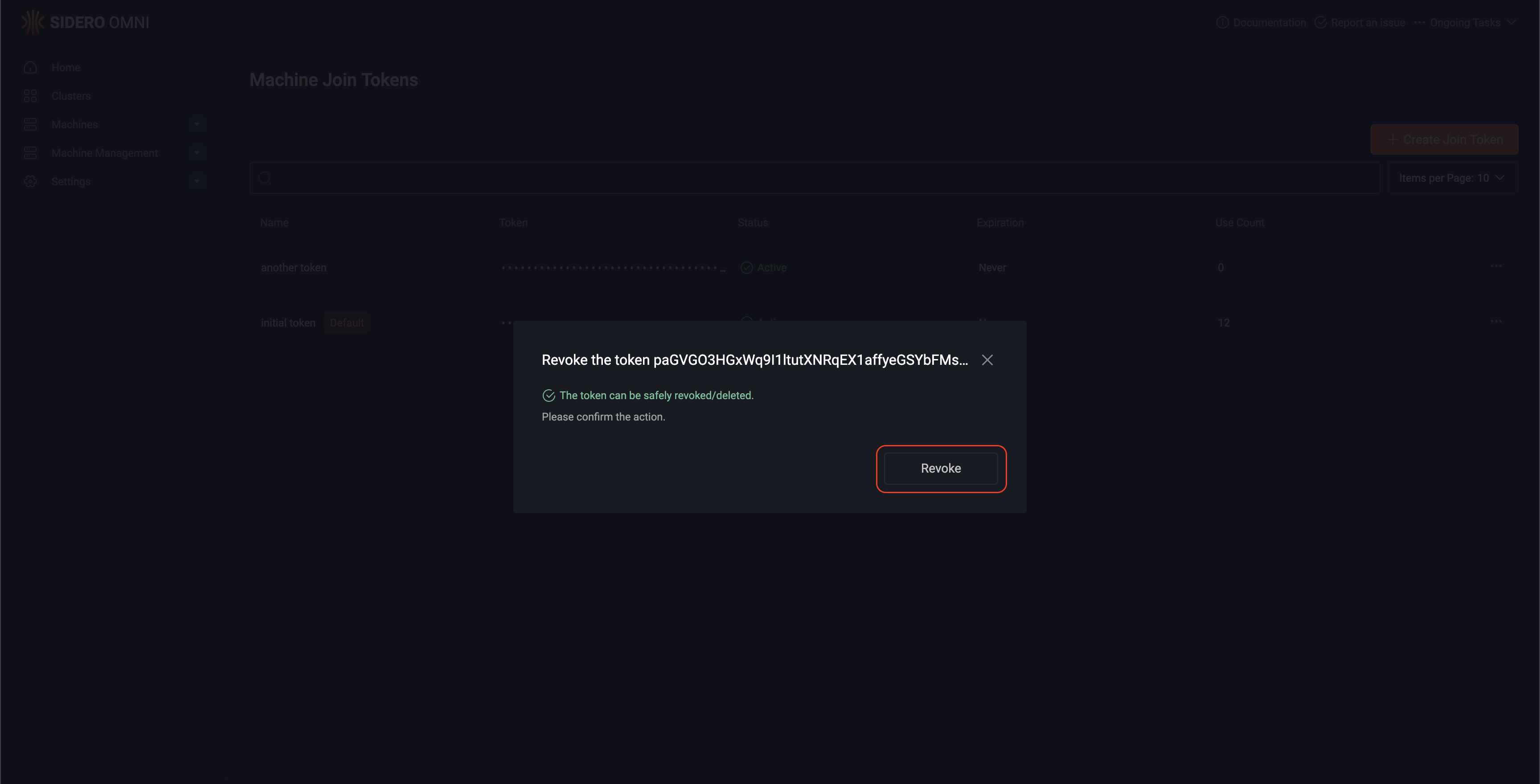
omnictl jointoken revoke w7uVuW3zbVKIYQuzEcyetAHeYMeo5q2L9RvkAVfCfSCD
WARNING: 11 of 12 machines won't be able to connect if the token is revoked/deleted
MACHINE                                DETAILS
0852139d-7725-4fa0-8d4d-98a7b3d280d4   Talos version installed does not support unique node tokens
30ae176b-4f72-4a31-b2c0-19878a8daf4f   Talos version installed does not support unique node tokens
43c505f2-b7f8-4aed-abd9-7697a206da1a   Talos version installed does not support unique node tokens
6a1eefff-5c3f-4842-8547-b6d69bbea133   Talos version installed does not support unique node tokens
77b829e6-2020-4414-ba63-2c3778d9d225   Talos is not installed so the generated node unique token is ephemeral
96faf29f-5d2f-491c-a9b3-70f554e29092   Talos is not installed so the generated node unique token is ephemeral
af1fd286-0c99-4e0a-9f9a-13827c98510e   Talos is not installed so the generated node unique token is ephemeral
bebad6c2-190f-4af0-91ce-954e838f0e5c   Talos is not installed so the generated node unique token is ephemeral
c9105e60-865c-491b-af8e-fe7e16b3f1e0   Talos is not installed so the generated node unique token is ephemeral
dc42bc15-afc4-40fe-b309-1b84e9f439e1   Talos version installed does not support unique node tokens
fff36bbc-0ba3-4775-9859-394ffbd9c0ed   Talos version installed does not support unique node tokens
Do you still want to revoke the token? [y/N]:


 Omni
Omni